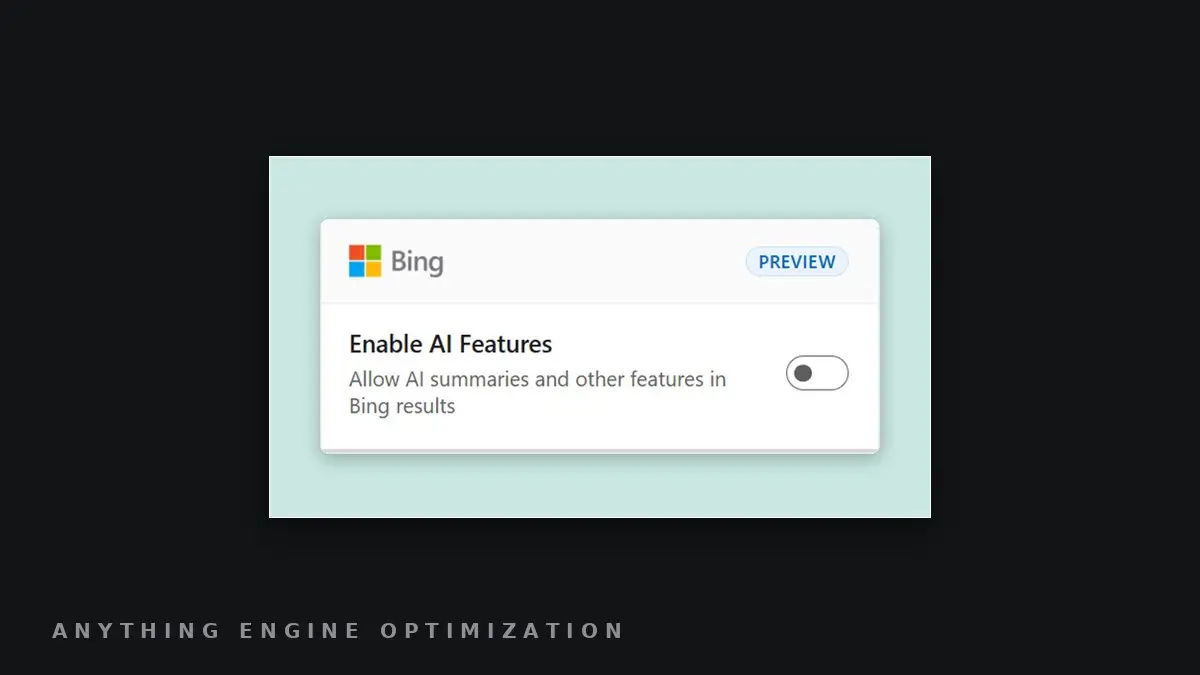
Bing adds an extension toggle and -ai operator to turn off AI answers
What this answers
- How do I turn off AI answers in Bing?
- Microsoft says there are two ways: a preview browser extension for Chrome and Edge with an on/off toggle, or adding -ai to a Bing search to get results without AI-generated answers.
- Does the Bing AI Search Choice extension change my default search engine?
- Yes. Microsoft's post says the extension also sets Bing as the default search engine.
Per Microsoft’s Bing blog, a preview “Microsoft Bing AI Search Choice” extension for Chrome and Edge lets users switch AI-generated answers in Bing on or off, and it also sets Bing as the default search engine. Bing also lets users add “-ai” to any search to get results without AI-generated answers; the post does not say whether that operator is new. Microsoft cites its own research that users want the option but publishes no figures, and gives no usage or rollout data.
Why it matters: Microsoft is now documenting a user-controlled way to see Bing results without AI answers, which means some Bing sessions will not show the AI surface at all; Microsoft gives no figure for how many users will use it.
The record: Microsoft BingMicrosoft
Via Bing Blogs ↗
Posted to the wire November 11, 2026. Edited by Joe Balewski.